Follow these steps to quickly add text onto your images using AddTextToPhoto
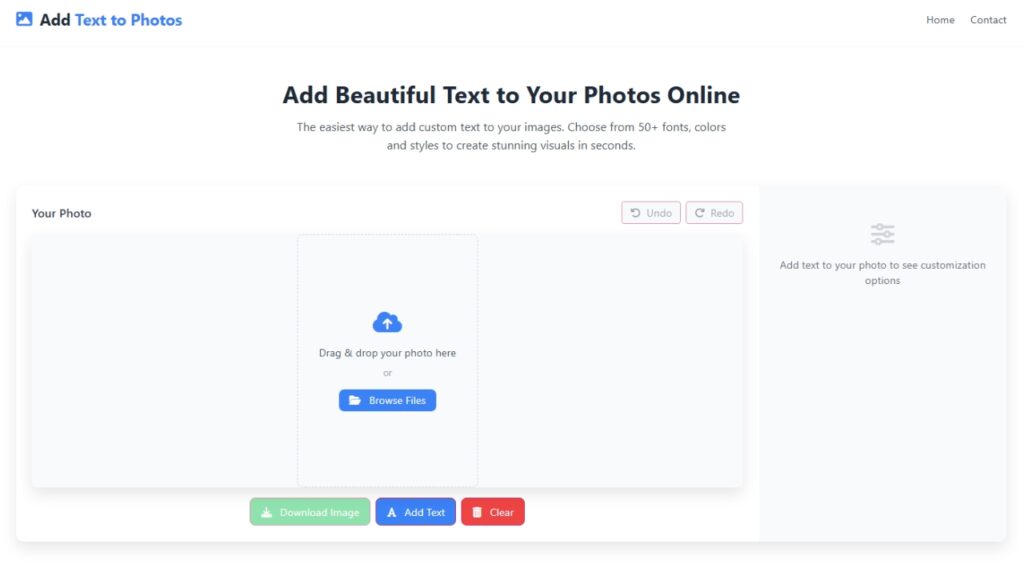
Go to AddTextToPhoto.com in your browser.
Click “Browse Files” to select an image from your computer.
Alternatively, you may drag & drop the image into the upload area.
Once the image is loaded, look for a button “Add Text”.
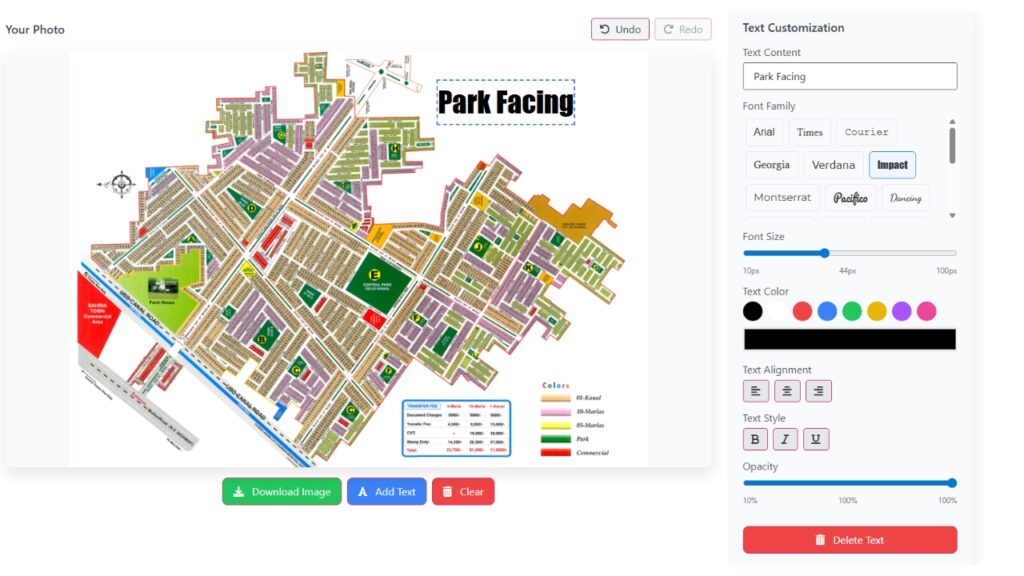
Type the text you want to appear (e.g. “Happy Birthday”, “Your Name”, a quote, etc.).
You should see a text box overlay on the right side for the desktop and for the mobile bottom
Start adding beautiful text to your images today - it's free, easy, and requires no registration!